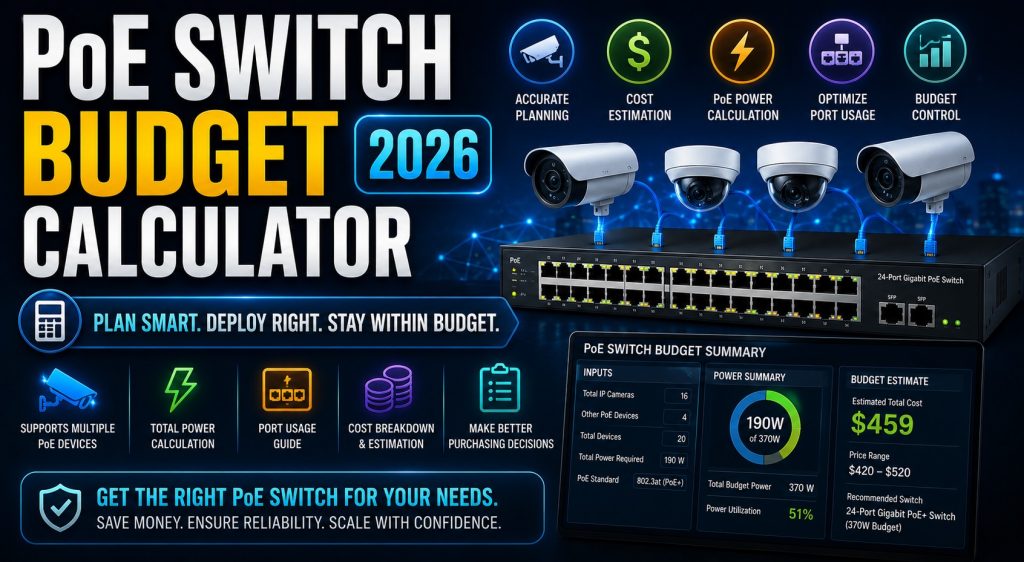
PoE Switch Budget Calculator 2026
Calculate total PoE power budget for IP cameras, access points, VoIP phones and IoT devices. Get switch recommendations, per-port breakdown, heat dissipation estimates and UPS sizing — all in one tool. Free, no signup.
|
5
PoE standards
|
100W
Max per port (UPoE)
|
UPS
Sizing included
|
Free
No registration
|
Is your PoE switch powerful enough for all your devices?The most common PoE planning mistake is buying a switch based on port count alone. A 24-port PoE+ switch advertised at 370W sounds generous — until you connect 20 PTZ cameras at 15W each (300W) plus 8 dual-band APs at 20W each (160W), totalling 460W. The switch shuts down random ports to protect itself, and no one knows why cameras keep going offline. This calculator adds up your actual device power draw across multiple groups, applies cable loss derating for long runs, adds the safety headroom you specify, and tells you exactly which switch models can handle the load — including multi-switch configs when the budget is too high for a single unit. It also calculates heat dissipation (critical for cabinet cooling) and the minimum UPS VA rating required to keep the switch and all PoE devices powered during an outage. ⚠️ Always design with 20–30% headroom above calculated load to handle startup surge currents and future device additions. |
What this tool calculates
|
|
PoE Standards
af / at / bt / UPoE
802.3af = 15.4W (cameras, phones). 802.3at = 30W (PTZ, dual-band APs). 802.3bt = 60W (thermal, high-power APs). UPoE = 100W (video conferencing).
|
Cable Loss
Derate at 75–100m
At 100m, high-power devices lose 5–8W to cable resistance. Use Cat6A for runs over 50m with PoE++ devices to minimize voltage drop.
|
Heat Load
~10% becomes heat
A 370W PoE switch at 90% efficiency dissipates ~41W as heat. In a sealed cabinet, this raises ambient temperature significantly — factor into cooling design.
|
Budget Headroom
Always leave 20–30%
Startup surge current can be 2–3× steady-state draw. A switch at 95% budget will shed ports when cameras boot simultaneously after a power cycle.
|
|
Need Dahua DSS Pro or HikCentral licensing?
Professional VMS software for any deployment size — contact us on Telegram.
|
✈ Telegram |